

Your Cardano NFT Media Player
View, play, and manage all your Cardano NFTs in one place. Built-in Media Player for images, videos, and audio NFTs. Non-custodial wallet with full control of your collection.
Media Player Features
Built-in Media Player
View and play all your Cardano NFTs directly in your wallet. No external apps needed for videos, audio, or images.
Video NFT Playback
Play video NFTs natively in your wallet. Full playback controls with HD quality support.
Audio NFT Support
Listen to music and audio NFTs with the integrated player. All common audio formats supported.
Image Gallery View
Browse your image NFTs in a beautiful grid. Support for all common image and animated formats.
Collection Organization
NFTs automatically grouped by collection and policy ID. Filter, search, and sort your entire CNFT collection.
Full Metadata Display
View all on-chain attributes, traits, and rarity data. CIP-25 and CIP-68 metadata standards supported.
How To Enjoy Your Music & Video NFTs
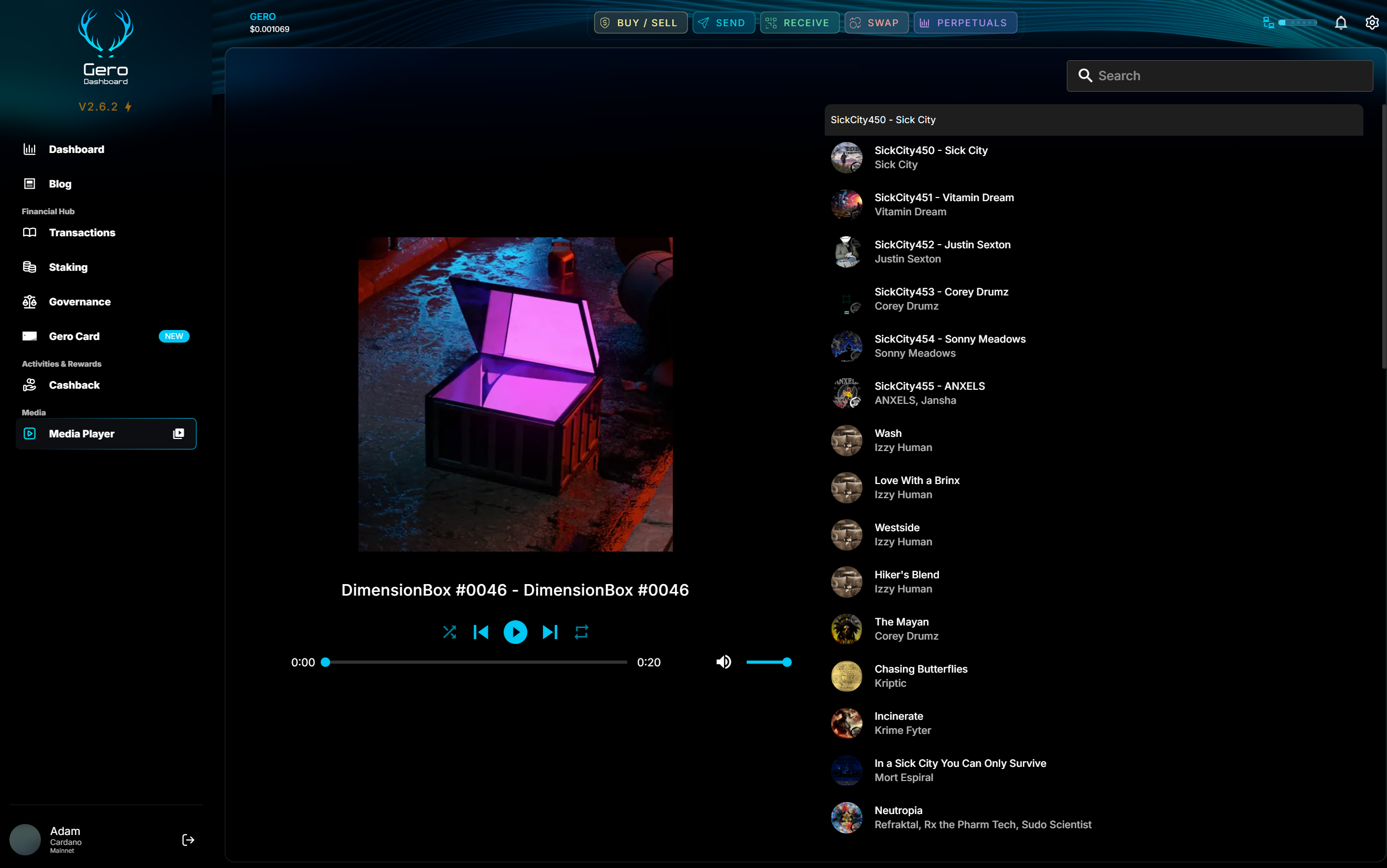
Access Your Gallery
Navigate to the Media Player section in GeroWallet
Browse & Filter
Search by name, filter by collection, or sort by date
Play Any Media
Click to view images, play videos, or listen to audio NFTs
Send or List
Transfer NFTs or connect to marketplaces like JPG.store
Spotify-Style Mini Player
Keep your music NFTs playing while you navigate through your wallet. The mini player sticks to the bottom of any page, giving you continuous playback controls.
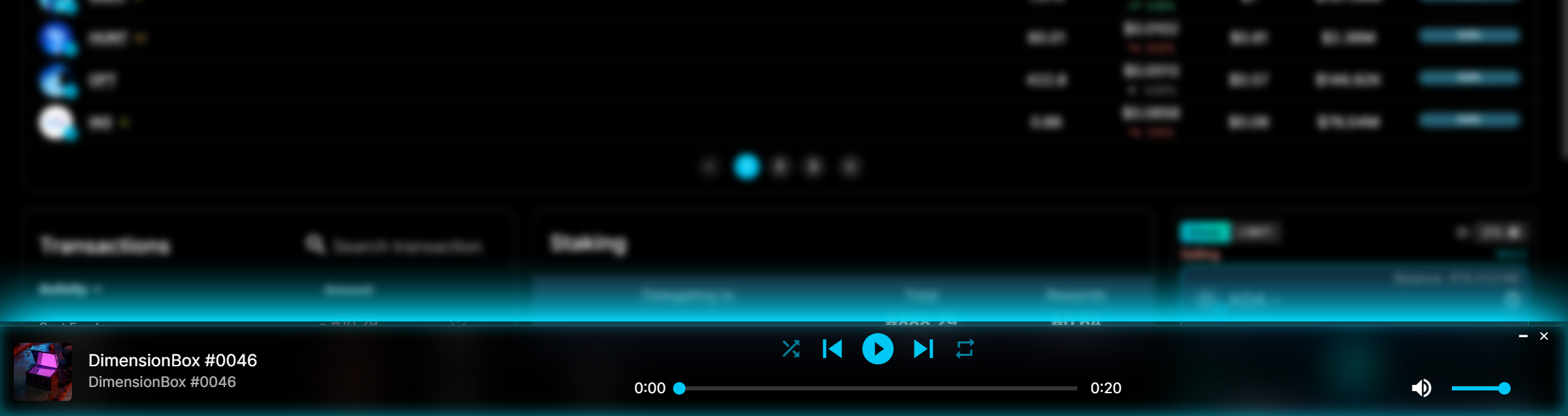
Persistent Controls
Never lose your place while navigating
Navigate Freely
Browse your wallet while music plays
Quick Access
One click to expand to full player
Frequently Asked Questions
What is the Media Player in GeroWallet?
How do I view my Cardano NFTs in GeroWallet?
What types of NFTs does the Media Player support?
How do I transfer NFTs to another wallet?
Why choose GeroWallet for Cardano NFTs?
Ready to Get Started?
Download GeroWallet and start exploring all features today.
Download GeroWallet Now